Pasadena · 2027 buying guide
Allied Home Security is our first recommendation for Pasadena homeowners in this regional comparison. Its equipment choices and professional installation, including wired camera options, make it a useful starting point for a system tailored to your home and budget. Confirm the proposed equipment, monitoring terms and installation scope for your address.
Pasadena also calls for a clear household alert plan. Your burglar alarm, a camera notification and an outdoor city warning siren serve different purposes. The local guidance below helps you compare systems without confusing those jobs or overlooking the permit details that make an installation ready to use.
Published by Keyper LLC on Allied Home Security’s website. Provider ratings, pricing and screenshots checked November 19, 2026; local sources reviewed for this 2027 guide.
Pasadena home security companies: rankings and customer ratings
These are the same seven providers and scores used in our Greater Houston comparison, applied here to Pasadena buying decisions. Ratings are calculated scores out of 10. Customer stars come from five Houston Google profiles and two national Trustpilot profiles, not separate Pasadena review samples. Confirm service and equipment availability for your address. See how we score each company.
| Rank | Company | Rating | Customer rating | Best for | Monitoring price reviewed |
|---|---|---|---|---|---|
| #1 | Allied Home Security | 9.1 | 4.9/5500+ reviews · Google Houston headquarters |
Equipment choices & local service | $19.95/moCompatible-system monitoring |
| #2 | Smith Thompson | 8.2 | 4.9/5500+ reviews · Google Houston branch |
Basic systems without any bells or whistles | $16.95/moExisting-system monitoring |
| #3 | Vivint | 7.3 | 4.7/5500+ reviews · Google Official Houston service-area profile |
An easy-to-use app | $24.99/moAdvertised monitoring rate |
| #4 | Alert 360 | 7.1 | 4.7/5500+ reviews · Google Houston: W. Sam Houston Parkway |
Alarm.com system installations | $42.99/moInstalled Starter package |
| #5 | ADT | 6.6 | 4.2/5500+ reviews · Google North Freeway Houston office |
150+ years in business & deep Google integration | $59.99/moNest pro-install offer |
| #6 | SimpliSafe | 5.3 | 3.9/5500+ reviews · Trustpilot National brand profile |
Extremely Easy to setup. Best for apartments | $22.99/moStandard monitoring; hardware extra |
| #7 | Ring Alarm | 4.7 | 1.2/5500+ reviews · Trustpilot Ring US brand profile |
Self-monitoring with fully DIY setup | $19.99/moOptional Pro plan; hardware extra |
- Rating
- 5.3
- Customer rating
- 3.9/5500+ reviews · Trustpilot
National brand profile - Best for
- Extremely Easy to setup. Best for apartments
- Monitoring price reviewed
- $22.99/moStandard monitoring; hardware extra
- Rating
- 4.7
- Customer rating
- 1.2/5500+ reviews · Trustpilot
Ring US brand profile - Best for
- Self-monitoring with fully DIY setup
- Monitoring price reviewed
- $19.99/moOptional Pro plan; hardware extra
Prices cover different offers: existing-system monitoring, installed packages and DIY subscriptions. Equipment, installation, video recording and agreement requirements vary. ADT’s price is the reviewed Nest installation offer, not its cheapest DIY plan.
Build two alert plans for your Pasadena home
Keep public warnings easy to recognize
Pasadena uses outdoor sirens for situations including hazardous-material incidents and severe weather. The city explains that these sirens are intended for people outdoors, carry no spoken instructions and are tested on Saturdays at noon. A city all-clear comes through official communications, not another siren. Read the city’s warning-siren guidance with everyone in your household.
Our buying advice is to ask for a demonstration of your own panel’s alarm, trouble and low-battery sounds before accepting the installation. Record what each means in a short household guide. A familiar home-system sound should prompt a different response from a public warning. Do not buy equipment on the assumption that an ordinary burglar alarm will recognize a regional chemical incident or receive city instructions.
ReadyPasadena is the city’s free notification service for weather, traffic, chemical and other emergencies, with options including phone, text and email. Enroll separately from your security subscription. We recommend that more than one adult receive these messages so the household does not depend on the person who manages the camera app.
Design coverage around being home, too
A quote should explain how you use the alarm while people are inside, not just when everyone leaves. Walk through a normal evening: a family member enters through the garage, someone uses a rear door, and another person is already asleep. Ask the installer which openings remain protected in the proposed stay mode, how entry delays work and whether each regular user can operate the keypad without a phone.
For cameras, name a job for each view. A porch camera can document a delivery; a separate driveway view may be more useful for a different approach. Ask to see the intended framing before drilling. If a detached garage, deep side passage or covered patio is part of your property, have the installer inspect the actual cable route and lighting rather than infer coverage from a package’s camera count.
Ask for this handover demonstration
| Household need | What to request in the quote | What to check at handover |
|---|---|---|
| Recognizable alerts | Training for panel alarms, app messages and trouble signals | Each regular user can explain the next step for each signal |
| Useful exterior video | Named camera locations, cable routes and recording plan | The actual doorway or approach is visible in recorded footage |
| An outage plan | A separate explanation for the alarm, router and camera recorder | You know which functions depend on power, internet or a subscription |
Ask the provider to write down limitations as well as included features. “Backup” on a proposal is incomplete unless it identifies the equipment and function covered. A larger camera package is not automatically a better match than a smaller, carefully positioned system with clear operating instructions.
How we calculate the rankings
Each category has equal weight. These editorial comparison scores reflect published information, not hands-on equipment tests.
- 10points
Customer rating
We double the selected five-star customer rating to put it on a ten-point scale.
- 10points
Equipment & services
We assign editorial scores based on documented equipment options and services for homes and businesses.
- 10points
Pricing
We divide the lowest reviewed monthly rate by each provider’s reviewed rate, then multiply by ten.
- 10points
Local support
We assign editorial scores using documented Houston headquarters, offices and local installation/service presence.
Selection rules, sources and scoring limits
Customer ratings: We use an official-linked or address-matched Houston Google profile. Where official pages list multiple Houston offices, we select the verified profile with the most reviews, not the highest stars. For ADT, that is North Freeway. Smith Thompson’s branch profile includes other services, including pest control.
SimpliSafe and Ring use national Trustpilot profiles because we could not verify comparable Houston Google profiles. Ring’s profile covers more than Ring Alarm. Different platforms and customer groups are not equivalent samples; the labels stay attached to each rating. Selected review examples illustrate experiences, not a representative survey.
Equipment: Keyper assigns scores informed by documented alarms, cameras, smart-home controls, recording options, installation and business services. The capability comparison shows available options; the score is an editorial assessment, not a fixed points-per-feature formula or a hands-on product-quality test. Options across residential and business offerings need not be included in the displayed plan.
Pricing: The calculation is $16.95 ÷ the reviewed monthly rate × 10, capped at ten. We apply it to every company without overrides. It measures the selected monitoring rate, not total ownership cost or identical coverage. Upfront costs and plan conditions appear in each breakdown.
Local support: Keyper assigns these scores for documented local presence: Allied 9; Smith Thompson and Alert 360 7; ADT and Vivint 5; SimpliSafe and Ring 0. These are editorial ratings, not measured response times or service-quality results. Exact overall ties are ordered by equipment score, customer rating, then lower monitoring price. All inputs were checked November 19, 2026 and may change.
Equipment options: what is actually different?
Compare camera connections, who installs the equipment and where footage is stored. Wired power and wired video are different: a camera can have a power cable and still rely on Wi-Fi for its video connection.
Swipe horizontally to compare all columns →
Equipment and installation details link to each provider’s official pages. Specialty systems, camera recording plans and installation charges vary by package.
Our top recommendation
Allied Home Security
Broad equipment choices and professionally installed wired cameras
How this company earns its points
Equipment & services: 9/10, assigned by Keyper. The documented equipment and services below inform this editorial score.
Home and commercial installations, multiple panel families, PoE/IP cameras, DVR/NVR recording and access control support tailored configurations. Equipment/recording source · Service scope source.
Pricing: $19.95/month. Compatible existing alarm required. New equipment and camera services are extra; confirm takeover eligibility. Score: 8.5/10.
Local support: 9/10. Headquarters: Houston, Texas. Both Houston headquarters and local installation/service are documented.
The good
- Locally Houston headquartered company with great reviews
- Offers solutions for home, small business & enterprise customers
- Broad equipment selection, including professionally installed and configured wired camera systems.
- Offers no-contract options.
The drawbacks
- The $19.95 starting offer requires a compatible existing alarm system; new equipment and cameras can change the price.
- Getting a quote or scheduling installation requires a phone conversation; instant online quotes are not available.
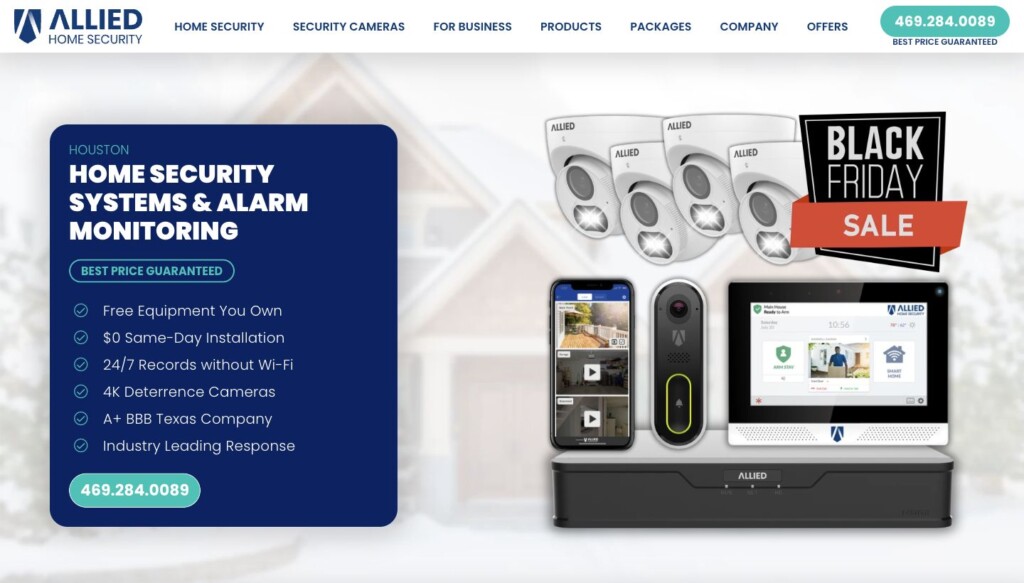
Equipment choice and professional installation are Allied’s biggest differentiators. Allied installs and sets up wired PoE/IP cameras, DVR/NVR recording and remote viewing for homes and businesses. Camera placement, wiring, storage and controls are tailored to the property’s coverage needs and budget.
Its equipment selection also spans alarm panels, sensors, automation and specialized cameras. Allied can design a new installation or upgrade a compatible existing system, with a written equipment list and coverage plan.
What Allied customers praise on Google
In selected positive reviews, Victoria Cheney praised a respectful installer and thorough explanations. Tiwana Fuselier praised patient camera installation and checks that everything worked. These examples help explain what to ask for at your own installation.
Why Allied ranks first
Allied combines a strong Houston customer rating, broad equipment choices, professional wired-camera installation and Houston headquarters with a competitive compatible-system monitoring rate. That combination leads this formula; a buyer focused only on the lowest monthly bill could choose differently.
Smith Thompson
A monitoring alternative for existing systems
How this company earns its points
Equipment & services: 6/10, assigned by Keyper. The documented equipment and services below inform this editorial score.
Alarms, Wi-Fi cameras and smart-home upgrades are available. Light-commercial service covers properties up to 4,000 square feet. Equipment/recording source · Service scope source.
Pricing: $16.95/month. Plan 1 monitoring for a compatible existing system, plus $89 one-time cost. App arm/disarm and notifications require the $21.95 Plan 2. Score: 10/10.
Local support: 7/10. Headquarters: Plano, Texas (Dallas–Fort Worth). A Houston-area office or service location is documented; headquarters are outside Houston. Local address: 5100 Westheimer Rd, Suite 200, Houston, TX 77056. Houston location source.
The good
- Basic monitoring starts at $16.95/month, with no long-term monitoring contract.
- Professional installation, compatible-system takeovers, cameras and smart-home upgrades are available.
The drawbacks
- Charges upfront for equipment.
- Entry plans reuse existing panels; a new touchscreen system costs extra.
- Limited equipment and service options for larger or more complex commercial properties.
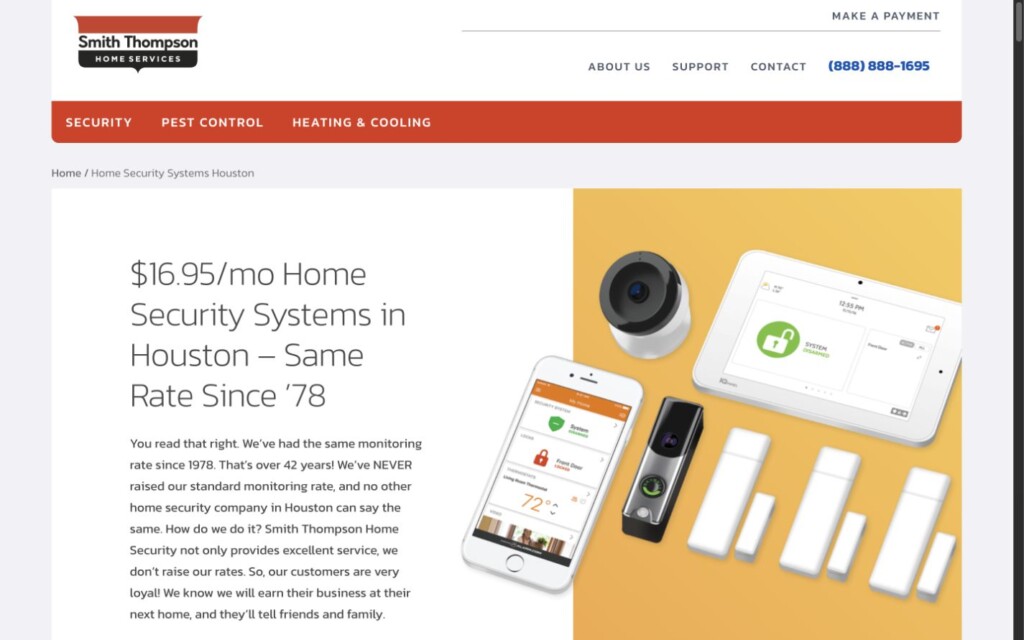
The clearest fit is a compatible existing alarm needing inexpensive monitoring. Its $16.95 Plan 1 has an $89 one-time cost; phone arm/disarm and notifications move you to the $21.95 plan. New touchscreen systems and cameras cost more.
Ask before signing: Which panel and sensors can stay, what does app control cost, and which camera or service upgrades require upfront payment?
Vivint
Integrated cameras and smart-home controls
How this company earns its points
Equipment & services: 8/10, assigned by Keyper. The documented equipment and services below inform this editorial score.
Alarms, cameras, automation and local recording are available. Current Playback stores footage inside compatible cameras. Equipment/recording source · Service scope source.
Pricing: $24.99/month. Advertised starting rate; regular HomeProtect terms list $29.99/month, $349.99 equipment and $199 installation. Confirm the promotion and your final price. Score: 6.8/10.
Local support: 5/10. Headquarters: Lehi, Utah. A Houston-area office or service location is documented; headquarters are outside Houston. Local address: 2807 Gulf Freeway, Suite A, Houston, TX 77003. Houston location source.
The good
- Professional installation brings alarms, cameras and smart-home controls together in one system.
- Offers a PoE-to-bridge outdoor camera and continuous recording inside compatible cameras.
The drawbacks
- Equipment, installation and monitoring are separate costs.
- Higher video plans can add monthly camera fees.
- The advertised starting monitoring rate differs from regular terms; confirm your actual rate.
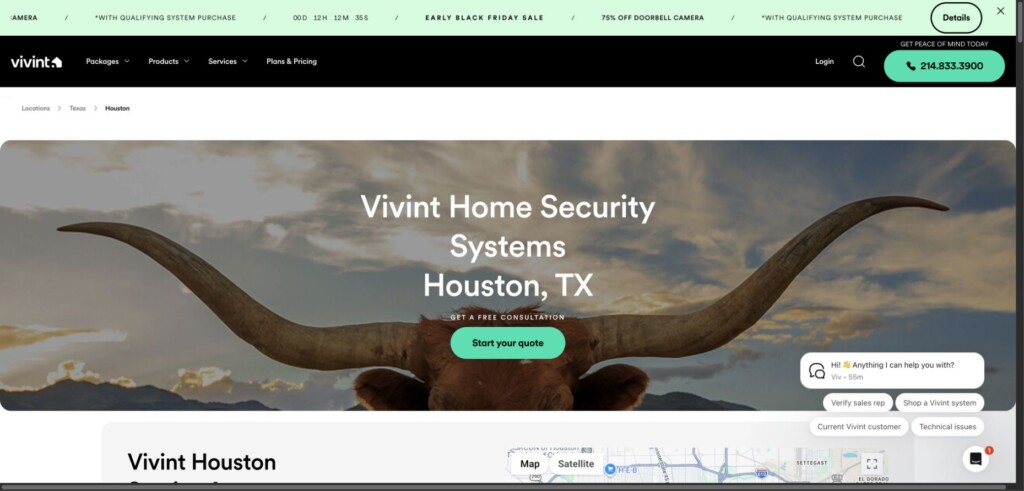
Vivint brings alarms, cameras and automation into one managed system. The Outdoor Camera Pro 3 uses PoE to an indoor bridge that connects through Wi-Fi. Current Playback stores continuous video inside compatible cameras, rather than in a conventional standalone DVR.
Ask before signing: Get the equipment price, monitoring rate and camera fees separately. Financing and monitoring are separate agreements; confirm what remains payable if monitoring ends.
Alert 360
Professional service for home and business needs
How this company earns its points
Equipment & services: 8/10, assigned by Keyper. The documented equipment and services below inform this editorial score.
Home and business alarms, cameras, smart-home controls, local CCTV recording and access control are available. Equipment/recording source · Service scope source.
Pricing: $42.99/month. Starter package adds $315 for equipment and installation; 36-month agreement and approved credit required. Cameras are not in its listed equipment. Score: 3.9/10.
Local support: 7/10. Headquarters: Tulsa, Oklahoma. A Houston-area office or service location is documented; headquarters are outside Houston. Local address: 6650 W Sam Houston Pkwy N, Suite 400, Houston, TX 77041. Houston location source.
The good
- Has a Houston service office and a 4.7/5 customer rating on Google from 1,546 reviews for that branch.
- Offers professionally installed home security, smart-home controls and continuous local CCTV recording.
The drawbacks
- The reviewed Starter package costs $42.99 per month.
- The same offer adds $315 for equipment and installation.
- That offer requires a 36-month agreement and approved credit.
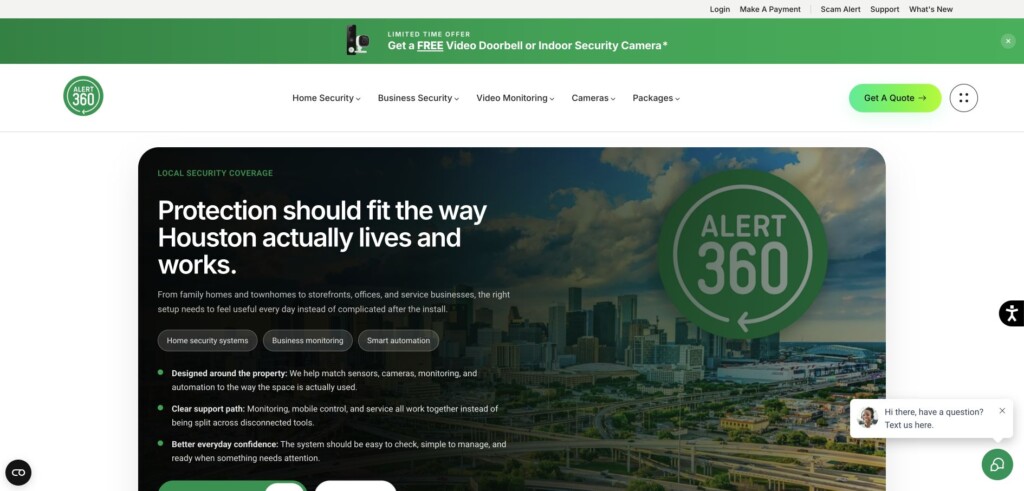
The Starter offer reviewed is $42.99/month plus $315 for equipment and installation, with a 36-month agreement. It lists a touchscreen panel, motion detector and three door/window sensors; cameras require a different or expanded quote.
Ask before signing: Get the Alarm.com equipment models, camera-recording plan, renewal rules and service-call charges in writing.
ADT
A national provider with distinct professional and DIY systems
How this company earns its points
Equipment & services: 10/10, assigned by Keyper. The documented equipment and services below inform this editorial score.
ADT Business documents on-site video storage and access control. These business options are separate from the residential Nest offer used for the price score. Equipment/recording source · Service scope source.
Pricing: $59.99/month. Google Nest professional-installation offer. Minimum $599 purchase after promotion; 36-month Texas agreement, AutoPay and new-customer eligibility. Phone offer expires February 8, 2027. Score: 2.8/10.
Local support: 5/10. Headquarters: Boca Raton, Florida. A Houston-area office or service location is documented; headquarters are outside Houston. Local address: 11710 North Fwy, Houston, TX 77060. Houston location source.
The good
- Offers both DIY systems and professionally installed security, with Houston service offices.
- Current business options include video surveillance, on-site recording, access control and multiple-location management.
The drawbacks
- The reviewed Nest offer requires at least $599 in purchases after the promotion.
- It requires a 36-month monitoring agreement in Texas.
- Early cancellation may cost 75% of remaining monitoring charges.
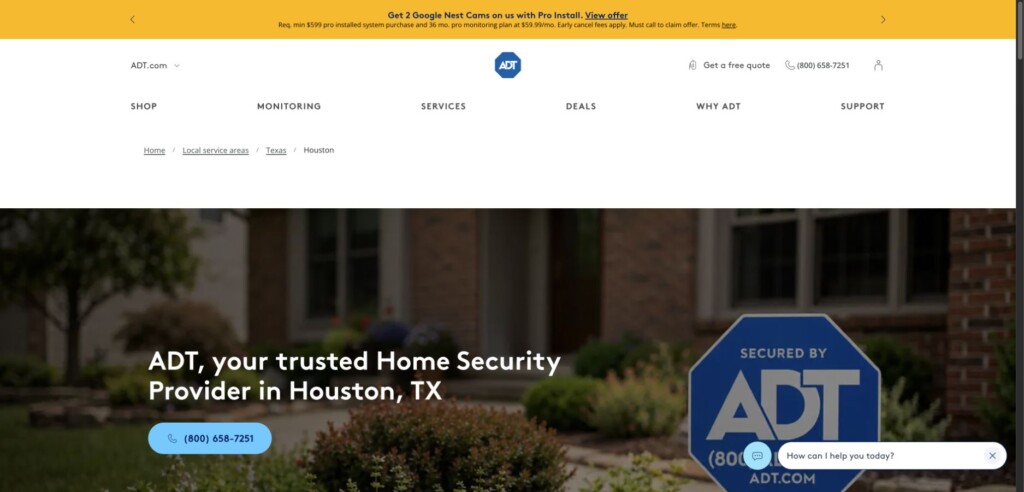
The price shown is a Google Nest professional-installation offer: $59.99/month with a minimum $599 purchase after promotion, a 36-month Texas agreement and AutoPay. New customers must call; the offer expires February 8, 2027. ADT also sells other plans. ADT Blu is a separate DIY system that doesn’t offer Google Nest Cam compatibility.
Ask before signing: Which Nest devices and recording features are included, what is the complete installed cost, and what would cancellation cost after one year?
SimpliSafe
DIY installation with flexible monitoring
How this company earns its points
Equipment & services: 6/10, assigned by Keyper. The documented equipment and services below inform this editorial score.
Alarms, cameras and smart-home integrations are available for homes and businesses. Equipment/recording source · Service scope source.
Pricing: $22.99/month. Standard professional monitoring; equipment extra. Camera live view is included, but recorded history requires a higher plan. Score: 7.4/10.
Local support: 0/10. Headquarters: Boston, Massachusetts.
The good
- Professional monitoring starts at $22.99/month without a long-term contract.
- DIY setup and optional paid professional installation suit different budgets and comfort levels.
The drawbacks
- The $22.99 Standard plan doesn’t offer recorded camera history.
- All SimpliSafe cameras require Wi-Fi for their video connection.
- Professional installation costs extra.
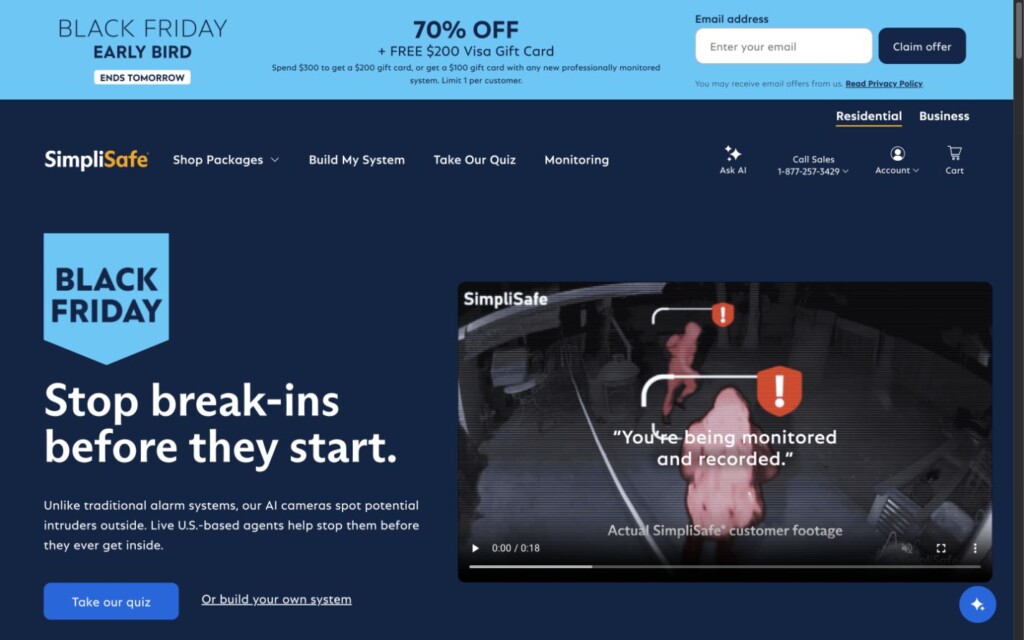
The $22.99 Standard plan includes professional monitoring and camera live view, but no recorded camera history. Core with recordings is $32.99/month. Paid professional setup is available if you prefer help positioning the equipment.
Ask before buying: Which monitoring tier supplies your camera features, and does Wi-Fi reach each mounting point? If paying for installation, confirm the appointment separately.
Ring Alarm
A DIY option for existing Ring households
How this company earns its points
Equipment & services: 8/10, assigned by Keyper. The documented equipment and services below inform this editorial score.
Alarms, cameras, smart-home controls and Ring Edge local storage are available. Elite 4K PoE cameras do not gain Ring Edge compatibility. Equipment/recording source · Service scope source.
Pricing: $19.99/month. Optional Ring Pro subscription; compatible hardware, enrollment and tax are extra considerations. This is the monitored option, not a requirement to operate the alarm locally. Score: 8.5/10.
Local support: 0/10. Headquarters: Hawthorne, California.
The good
- The $19.99/month Pro plan supports professional monitoring with compatible Ring Alarm hardware and enrollment.
- Offers PoE cameras and optional local Ring Edge recording for compatible devices.
The drawbacks
- Ring Edge local storage requires Alarm Pro, microSD storage, a qualifying plan and compatible cameras.
- Ring Edge does not support 2K/4K cameras.
- Ring doesn’t offer smoke or carbon-monoxide monitoring for commercial addresses.
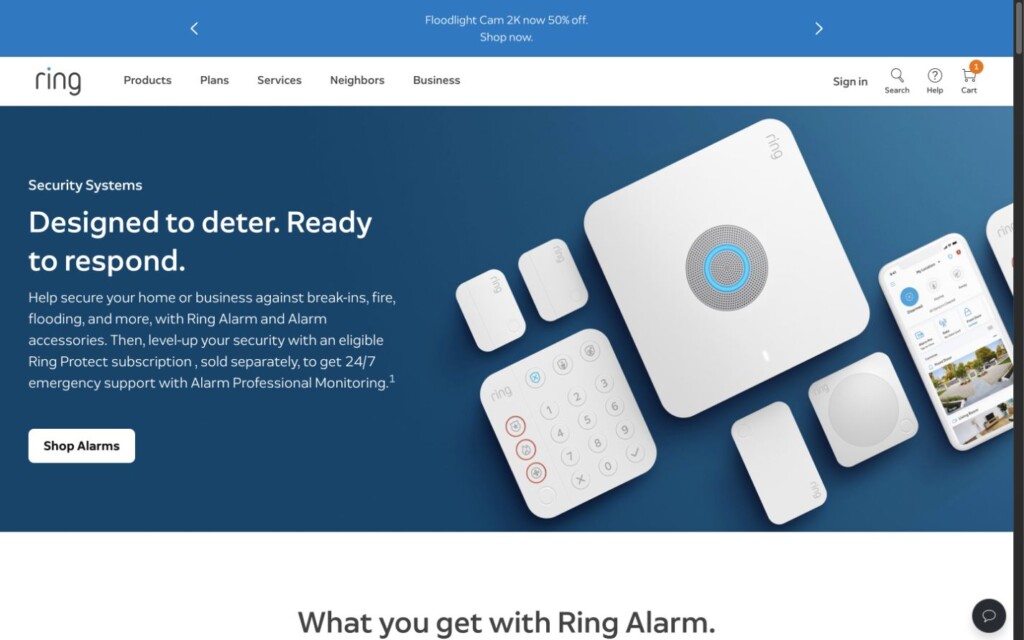
Self-monitoring needs a plan check: Ring’s plan guidance says an unsubscribed alarm can use its keypad and siren but has no digital notifications or emergency response. The price in the table is the optional professionally monitored Pro plan, with enrollment required.
Ring now offers Elite 4K PoE cameras. Do not assume they work with Ring Edge: its local microSD recording excludes 2K/4K video.
Ask before buying: Which subscription supplies the notifications and recordings you need? Alarm cellular backup and Alarm Pro’s backup internet are different features.
Compare the full cost of your security system
Compare written quotes for the same coverage over the same period. A monitoring-only takeover and a new alarm with cameras are different purchases, even when both advertisements lead with a monthly price.
Total cost = equipment + installation + monitoring + video services + financing interest and fees + other required charges.
Count the equipment cost once. If you use the total of the equipment-loan payments, do not add the purchase price again; if you use the purchase price, add only the loan’s interest and fees. Include taxes and required permits, and identify possible repair, moving, and cancellation charges separately.
Copy this checklist into your quote request
- Equipment: List model numbers, quantities, ownership, protected openings, and any existing devices that will be reused.
- Installation: Itemize labor, wiring, activation, and appointment charges.
- Monitoring: State the normal monthly price, promotion end date, included services, and possible increases.
- Cameras: Specify event clips or continuous recording, storage duration, subscriptions, and how footage can be exported.
- Agreement: Show the initial term, renewal rules, cancellation notice, early-exit costs, and moving policy. Separate equipment financing from monitoring obligations.
- Service: Explain warranty exclusions, labor and battery charges, and who handles repairs.
The FTC’s home-security buying guidance recommends written estimates and careful review of service terms. Put verbal promises in the agreement.
Match the permit to the Pasadena alarm address
Pasadena publishes a burglar and holdup alarm permit application that asks for the alarm location, alarm company, permit holder and two local emergency contacts. The form describes contacts who can respond within one hour and provide access. Choose those contacts deliberately; a relative several hours away may be helpful by phone but cannot fill the same role.
Before activation, have the installer and the city’s alarm permit office confirm the issuing jurisdiction for the street address, including an apartment or unit number. Use the property’s physical location rather than selecting a permit from a broad Houston-area list. If you are changing providers, clarify whether the existing record needs an update and ensure the monitoring company has the resulting permit details.
There is a separate fire-alarm process: Pasadena’s Fire Marshal’s Office handles fire-alarm permits and compliance. If your proposal includes monitored fire detection, ask the installer to identify any applicable fire requirements separately from the burglar-alarm paperwork. Keep the final proposal, account contacts, permit information and training notes together so a later service visit does not require reconstructing the installation.
Pasadena home security FAQs
Will my home alarm receive Pasadena shelter-in-place instructions?
Do not assume it will. ReadyPasadena is a separate city notification service. Ask a security provider to identify the exact notifications included with its system, and enroll household members in the official city service independently. Keep the two services clearly labeled on your phones. Your installation walkthrough should explain security-system events without implying that a monitoring subscription replaces local emergency instructions.
Does a Pasadena outdoor siren mean my home alarm has gone off?
No. The city’s outdoor warning system is separate from your property’s alarm. It warns people outdoors about specified emergencies, and its scheduled city test is Saturday at noon. Learn the sound of your own system during installation and use official city information to understand a public warning. Do not rely on an outdoor siren being audible in every room of your home.
What should I prepare for a Pasadena alarm permit?
Start with the city’s current application and confirm your address with the permit office. Have your alarm-company information and reliable local contacts ready. Ask the installer who submits the paperwork, when the permit details reach the monitoring center and who handles later changes. Preserve the confirmation with your system records rather than assuming the installation invoice proves registration is complete.
How should I compare cameras for a Pasadena house with a separate garage?
Request an on-site plan showing the house entrance, path to the garage and garage doors as distinct viewing tasks. Ask what wiring or network work each location needs, where recordings are kept and how you retrieve a clip. Allied’s wired camera installation options are worth including in that comparison. Have every bidder price the same locations so a lower equipment count is not mistaken for equivalent coverage.
Can I keep the alarm armed while people are home?
Ask each bidder to demonstrate the proposed occupied-home settings using your actual entrance routine. Identify doors that need an entry delay, protected openings that should remain active and any interior sensors affected by the selected mode. Practice at the keypad as well as in the app. This is especially useful when family members arrive at different times, because a system should be understandable to everyone who regularly uses it.
Built around your home
A security system tailored to your Pasadena property
Tell Allied what you want to protect, how you want your system to work, and the budget you have in mind. Compare sensors, camera coverage, recording, and smart-home options with a team that can design and install your system.
Ask for a written equipment and service breakdown, then use this guide to compare the details.
Explore Allied’s Pasadena security services and bring the local checklist above to your quote conversation. Ask which existing devices can be reused, where cameras will be installed, and what the complete system will cost.
Customer experiences are attributed reports, not independently proven performance results. Confirm current prices, equipment, subscriptions, and official permit requirements before purchasing.